
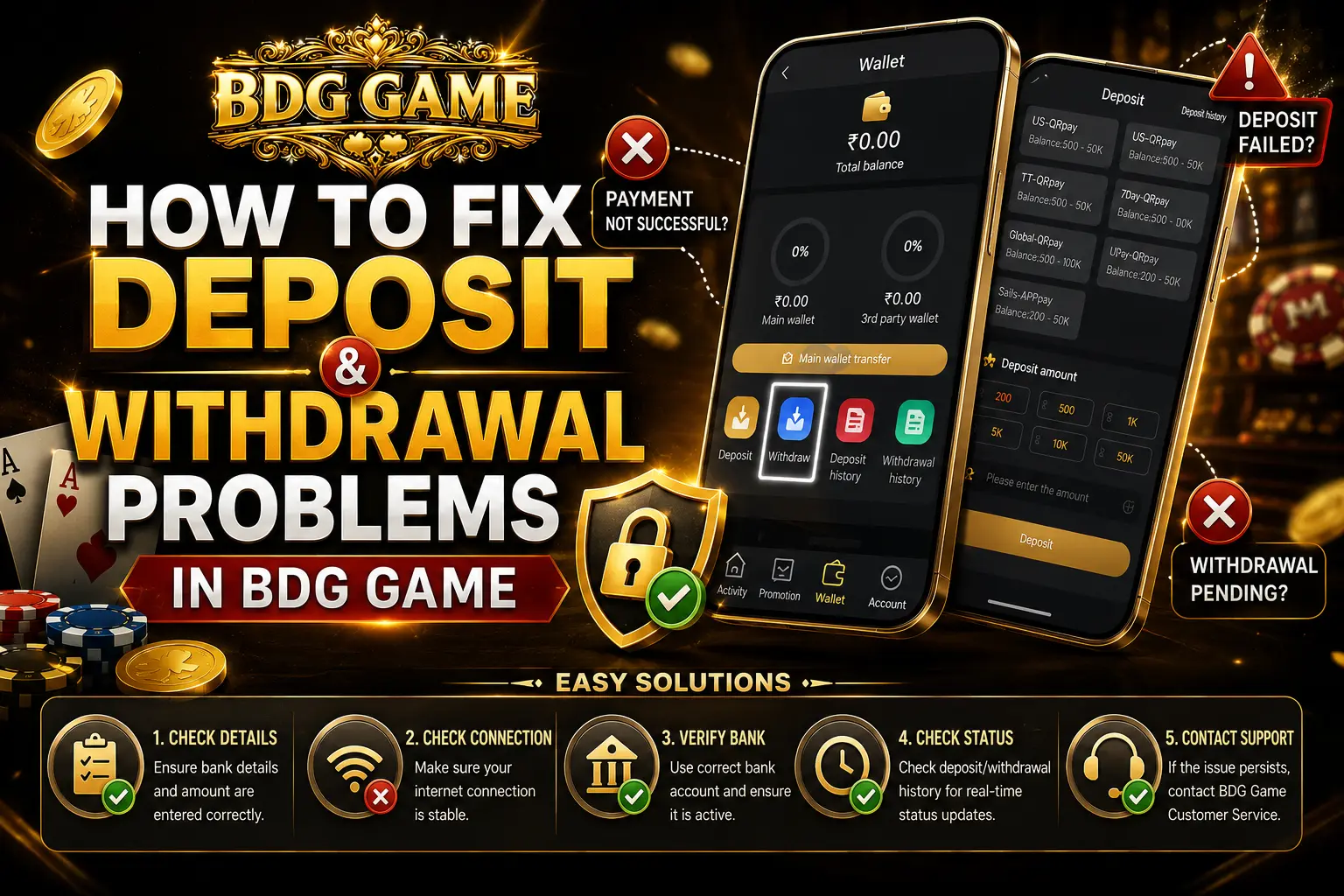
Transaction problems can be stressful, especially when you are trying to deposit funds quickly or waiting for a withdrawal to arrive. Many BDG Game users occasionally face issues like pending deposits, failed payments, delayed withdrawals, or incorrect banking details. The good news is that most of these problems are temporary and can usually be fixed without much difficulty.
In this guide, we’ll explain the most common BDG Game deposit and withdrawal problems, why they happen, and what you can do to solve them step by step.
Whether you are using the BDG Game App for the first time or already familiar with the platform, this article will help you understand how the transaction system works and how to avoid common mistakes.
Table of Contents
Why Deposit and Withdrawal Problems Happen in BDG Game
No online gaming platform is completely free from technical delays. Even well-known apps sometimes face transaction interruptions because multiple systems are involved during payment processing.
A deposit or withdrawal usually passes through:
- Your bank
- Payment gateway
- Mobile network
- Platform server
- Verification system
If any one of these systems slows down or fails temporarily, transactions may get delayed.
In many cases, users panic too quickly and assume their money is lost. However, most transaction issues are resolved automatically after a short wait.
Common Deposit Problems in BDG Game
Let’s look at the most frequent deposit-related issues users experience.
Deposit Completed but Balance Not Updated
This is probably the most common complaint.
You complete payment successfully, money is deducted from your bank account, but the balance does not appear inside your BDG Game account immediately.
Why This Happens
Possible reasons include:
- Slow banking servers
- Temporary payment gateway delay
- Weak internet connection
- High transaction traffic
- App synchronization issues
How to Fix It
Before doing anything else:
- Wait 5–10 minutes
- Refresh the app
- Log out and log back in
- Check transaction history
Many deposits update automatically once the network stabilizes.
If the balance still doesn’t appear after some time, contact support with:
- Payment screenshot
- Transaction ID
- Payment time
- Deposited amount
Payment Declined Error
Sometimes users receive a “Payment Failed” or “Transaction Declined” message during deposits.
Common Reasons
This can happen because of:
- Insufficient balance
- Daily bank transaction limits
- Security restrictions
- UPI server issues
- Incorrect payment details
What You Should Do
Try these steps:
- Check bank balance
- Confirm UPI PIN correctly
- Use another payment method
- Retry after a few minutes
- Contact your bank if the issue continues
Some banks automatically block gaming-related payments for security reasons.
Wrong Deposit Amount Entered
Another common mistake is entering the wrong amount during payment.
For example:
- Typing ₹500 instead of ₹50
- Misreading bonus conditions
- Confusing deposit requirements
How to Avoid This
Always double-check:
- Deposit amount
- Bonus rules
- Minimum deposit requirement
- Payment method selected
Taking a few extra seconds before confirming payment can prevent unnecessary issues later.
Unsupported Payment Method
Some users try using payment methods that are not currently supported on the platform.
This may lead to:
- Failed payments
- Processing errors
- Delayed refunds
Solution
Use only the payment methods officially shown inside the BDG Game deposit section.
Avoid:
- Unknown third-party gateways
- Expired payment apps
- Unsupported wallets
Common Withdrawal Problems in BDG Game
Withdrawals usually require additional verification compared to deposits. Because of this, processing may sometimes take longer.
Here are the most common withdrawal-related issues.
Withdrawal Pending for Too Long
One of the biggest frustrations for users is seeing a withdrawal request remain in “Pending” status.
Why Withdrawals Get Delayed
Possible reasons include:
- Manual review process
- High withdrawal traffic
- Banking holidays
- Server maintenance
- Verification checks
Larger withdrawals may require additional approval before processing.
What You Should Do
First, remain patient.
Most pending withdrawals are completed within:
- A few minutes
- A few hours
- Up to 24–48 hours in some cases
Avoid submitting multiple withdrawal requests repeatedly because this can sometimes create additional delays.
Incorrect Bank Details
This is a serious issue that many users overlook.
Entering the wrong:
- Account number
- IFSC code
- UPI ID
- Bank holder name
can cause withdrawal failure or transfer delays.
Important Tip
Always verify banking details carefully before submitting a withdrawal request.
Even one incorrect digit can create problems.
Can Funds Be Recovered?
Sometimes yes, sometimes no. Recovery depends on:
- Bank processing stage
- Account validity
- Payment provider policies
That’s why accuracy matters so much.
Minimum Withdrawal Limit Not Met
BDG Game usually has minimum withdrawal rules.
If your requested amount is below the required limit, the system may reject the transaction automatically.
Solution
Check:
- Minimum withdrawal amount
- Withdrawal rules
- Bonus turnover requirements
before submitting your request.
Withdrawal Rejected
A rejected withdrawal does not always mean there is a serious problem.
Common Reasons
Withdrawals may fail because of:
- Incomplete account verification
- Wrong banking information
- Suspicious activity detection
- Violation of platform rules
- Technical errors
What You Can Do
- Review your bank details
- Confirm account verification
- Retry later if servers are busy
- Contact support for clarification
Best Ways to Prevent Transaction Problems
Most issues can actually be avoided with a few smart habits.
Use Stable Internet
Weak internet connections can interrupt:
- Payment confirmations
- App synchronization
- Verification steps
Always use a stable mobile or Wi-Fi connection.
Keep Screenshots of Transactions
This is extremely important.
After every deposit or withdrawal:
- Save payment screenshots
- Keep transaction IDs
- Record payment times
These details help support teams investigate faster if something goes wrong.
Double-Check Banking Details
Before clicking submit:
- Account number
- IFSC code
- UPI ID
- Amount entered
A small mistake can create large delays later.
Avoid Multiple Repeated Requests
If a transaction is already processing, repeatedly submitting requests can:
- Slow down verification
- Create duplicate requests
- Confuse the system
Patience is often the best solution.
Update the BDG Game App
Older app versions may contain:
- Payment bugs
- Loading problems
- Compatibility issues
Always keep the BDG Game App updated to the latest version.
How to Contact BDG Game Support
If your issue still isn’t resolved after basic troubleshooting, contacting support is the best option.
Here’s how you can do it.
Step 1: Log In to Your Account
Open the BDG Game Login page and sign in using your registered mobile number or account credentials.
Step 2: Open the Account Section
After logging in:
- Go to the account area
- Open settings or service menu
This section usually contains support-related options.
Step 3: Access Customer Service
Inside the support section, look for:
- 24/7 Support
- Live Chat
- Service Center
The platform generally provides direct customer support access through the app.
Step 4: Explain the Problem Clearly
When contacting support, include:
- Transaction ID
- Payment screenshot
- Amount involved
- Time of transaction
- Problem description
Providing complete details helps the support team respond faster.
How Long Should You Wait Before Contacting Support?
A lot of users contact support immediately after making a payment.
That’s not always necessary.
Recommended Waiting Time
Deposits
Wait:
- 5–15 minutes initially
Withdrawals
Wait:
- Up to 24 hours
- Sometimes 48 hours during high traffic
If delays continue beyond that, contact customer support.
Important Safety Tips
Transaction security matters just as much as problem-solving.
Never Share OTP Codes
No legitimate support agent should ask for:
- OTP
- Banking PIN
- Password
- Full debit card details
Keep these private.
Use Official Links Only
Fake apps and unofficial websites can steal financial information.
Always verify:
- Website URL
- App source
- Customer support links
before entering payment information.
Avoid Public Wi-Fi for Transactions
Public networks increase security risks.
Try using:
- Personal mobile data
- Trusted Wi-Fi networks
for deposits and withdrawals.
Some promotional rewards and bonus credits may come through special offers. You can learn more in our BDG Game Login Gift Code guide.
FAQs
Why is my BDG Game deposit not showing?
This usually happens because of temporary banking or payment gateway delays. Wait a few minutes and refresh the app.
Why is my withdrawal still pending?
Withdrawals may require manual approval or additional verification. Processing can sometimes take up to 24–48 hours.
What happens if I enter the wrong bank details?
Incorrect details may delay or fail the withdrawal process. Always verify your banking information carefully before submitting requests.
Can I cancel a pending withdrawal?
This depends on the processing stage. Some withdrawals can be canceled before approval, while others cannot once processing begins.
How do I contact BDG Game support?
Log in to your account, open the account or service section, and use the live chat or customer support option available inside the web app or android app.
Final Thoughts
Deposit and withdrawal problems in BDG Game are usually temporary and often caused by network delays, banking systems, or incorrect details entered by users.
In many situations, a simple refresh or short waiting period solves the issue automatically.
The most important things users can do are:
- Stay patient
- Double-check details
- Save payment proof
- Use official support channels
- Avoid repeated requests
If problems continue after waiting and verifying your information, the BDG Game support team is the best place to seek assistance.
Understanding how the transaction system works can save you time, reduce stress, and help you handle payment issues more confidently in the future.